Windows Server (2016, 2019, 2022, 2025) RDP on Nevacloud
Get to know Windows Server on Nevacloud
Windows Server is a professional server operating system developed by Microsoft and a top choice for organizations, companies and agencies around the world. With its robust architecture, high-level security and full integration into the Microsoft ecosystem, Windows Server is well suited to run on Nevacloud's cloud VPS service.
At Nevacloud, we understand the importance of flexibility, performance and ease of access for business users in Indonesia. That is why we offer several editions of Windows Server - including versions 2016, 2019, 2022 and the latest, 2025 - that you can use right away through our cloud VPS service. With Instant Deploy, you can run Windows Server and access it through Remote Desktop Protocol (RDP) with a single click on the Deploy button on this page. Provisioning is fast, with no manual installation, and the server is ready to use for business, development or IT infrastructure needs.
Key Windows Server Features on Nevacloud
Remote Desktop Protocol (RDP)
With RDP, you can access and manage your Windows Server VPS from anywhere, as if you were sitting right in front of a physical machine. This is very useful for administrators, developers or support teams that need full access to the server environment in a secure and practical way.Active Directory
Active Directory makes it easier to manage identities, permissions and security across your network. From domain user management and group policy to access control for applications and services, everything can be managed centrally.Windows Admin Center
With Windows Admin Center, administrators can monitor, manage and troubleshoot servers through a modern, responsive web-based interface. Day-to-day server management becomes more efficient and user-friendly.Integrated security
Windows Server is known for its integrated security, including Windows Defender, drive encryption with BitLocker, an advanced firewall and protection against a range of cyber threats. At Nevacloud, we also apply cloud server security best practices so that all your data and applications get maximum protection.
Why Windows Server on Nevacloud
Windows Server suits .NET-based applications, MSSQL, or desktop software that needs to be accessed over RDP. On Nevacloud, you get:
Hourly billing
A Windows VPS is billed at IDR 149/hour, handy for temporary needs or testing.
Start small, upgrade anytime
Start with Nevalite 2GB, then resize to more RAM when your Windows application needs it.
Windows Server template
Windows Server is installed automatically after Deploy, ready to be accessed via Remote Desktop.
Jakarta data center
Your Windows server runs in a Jakarta, Indonesia data center.
Human support
A real human support team helps with VPS issues via tickets, chat or remote.
Pay in Rupiah
Billing in Rupiah via QRIS, GoPay, bank transfer or credit card, and tax invoices on request.
Included are unlimited bandwidth, SSD NVMe with RAID10 protection, an Anti-DDoS firewall and full Administrator access. Use Snapshot (paid feature) before a major Windows Update, and use VNC Console, Recovery Mode and Reinstall from the dashboard if RDP becomes unreachable.
Windows Server Use Cases on Nevacloud
Organizational network infrastructure
Windows Server with DNS, DHCP and VPN support is ideal as a company network backbone, keeping connectivity and network resource management secure and under control.Business application hosting
Run enterprise applications such as ERP, CRM, desktop applications and databases (with SQL Server) stably and reliably.Development & testing environments
Developers can run development labs, test Windows or cross-platform applications, and simulate environments before deploying to production.
How Easy It Is to Deploy Windows Server on Nevacloud
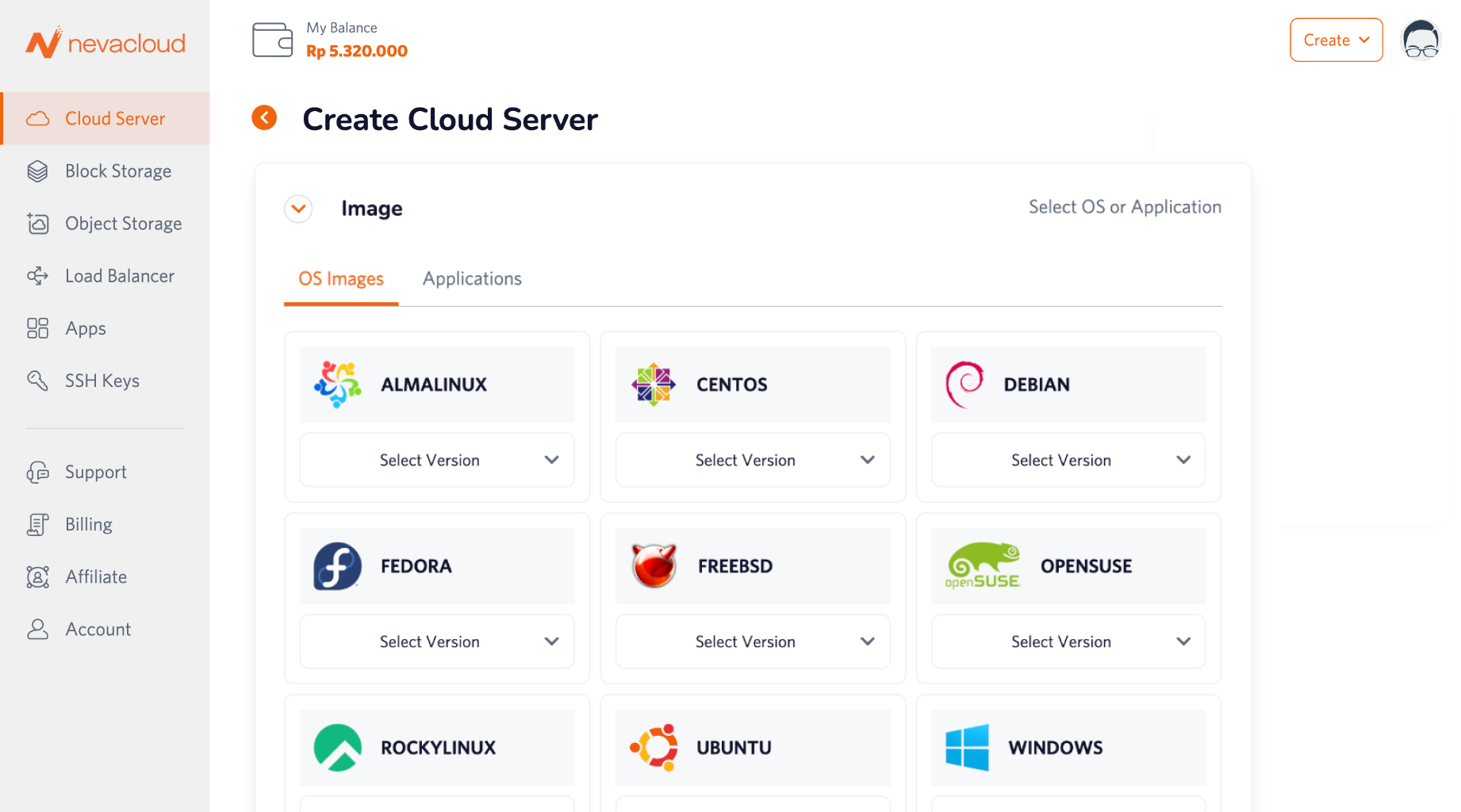
Choose a cloud VPS with Windows Server
On this page, choose the cloud VPS plan you want.Choose the Windows Server version you need
Choose Windows Server 2016, 2019, 2022 or 2025 to suit your application and compatibility needs.Click Deploy
With Instant Deploy, your server goes live instantly. RDP access information is sent automatically.Access the server with RDP
Use Remote Desktop on your PC/desktop to connect to your Windows Server cloud VPS on Nevacloud.
Comprehensive Support from Nevacloud
We provide complete documentation, visual guides and a ticketing service ready to help with setup, migration, updates and troubleshooting in your Windows Server environment. Our support team is available 24/7 - whether you are just getting started, want to migrate, or have more advanced technical needs.
Conclusion
Windows Server is a robust, secure server platform with a broad ecosystem for professional business needs in Indonesia. At Nevacloud, we offer ease of use, legality and maximum performance with Instant Deploy - getting your Windows server ready with a single click. Whatever your business, development or hybrid infrastructure needs, Windows Server on Nevacloud is a practical and trusted solution.