WordPress on Nevacloud: Fast Install on a Cloud VPS with Solid Performance
Build a professional WordPress site with full control and high performance
Running a WordPress site does not have to be complicated. With a Nevacloud cloud VPS you can install and run WordPress yourself, and get easy installation, better performance, room to scale and the freedom to manage the server the way you need.
What Is WordPress?
WordPress is the world's most popular open-source platform for building websites. Used by more than 40% of sites on the internet, it gives you full flexibility to build:
Personal or professional blogs
News and magazine sites
Business or personal portfolios
Online stores with WooCommerce
Landing pages for products and digital campaigns
With thousands of themes and plugins, WordPress lets you shape your site's look, features and performance to fit your needs, even without advanced coding skills.
Why WordPress on Nevacloud
Hourly billing
From IDR 149/hour, pay for what you use.
Start small, upgrade anytime
Start with Nevalite 2GB and resize to a larger plan as your needs grow.
One-click template
The WordPress template deploys straight from the dashboard.
Jakarta data center
Your app data stays on your own server in Indonesia.
Human support
Help from a real human support team, not a chatbot.
Pay in Rupiah
QRIS, GoPay, bank transfer or credit card; tax invoices on request.
You also get unlimited bandwidth, SSD NVMe storage with RAID10 protection, plus Snapshot, VNC Console, Recovery Mode and Reinstall in the dashboard, so you can roll back before changing your app configuration.
How to Install WordPress on a Nevacloud VPS
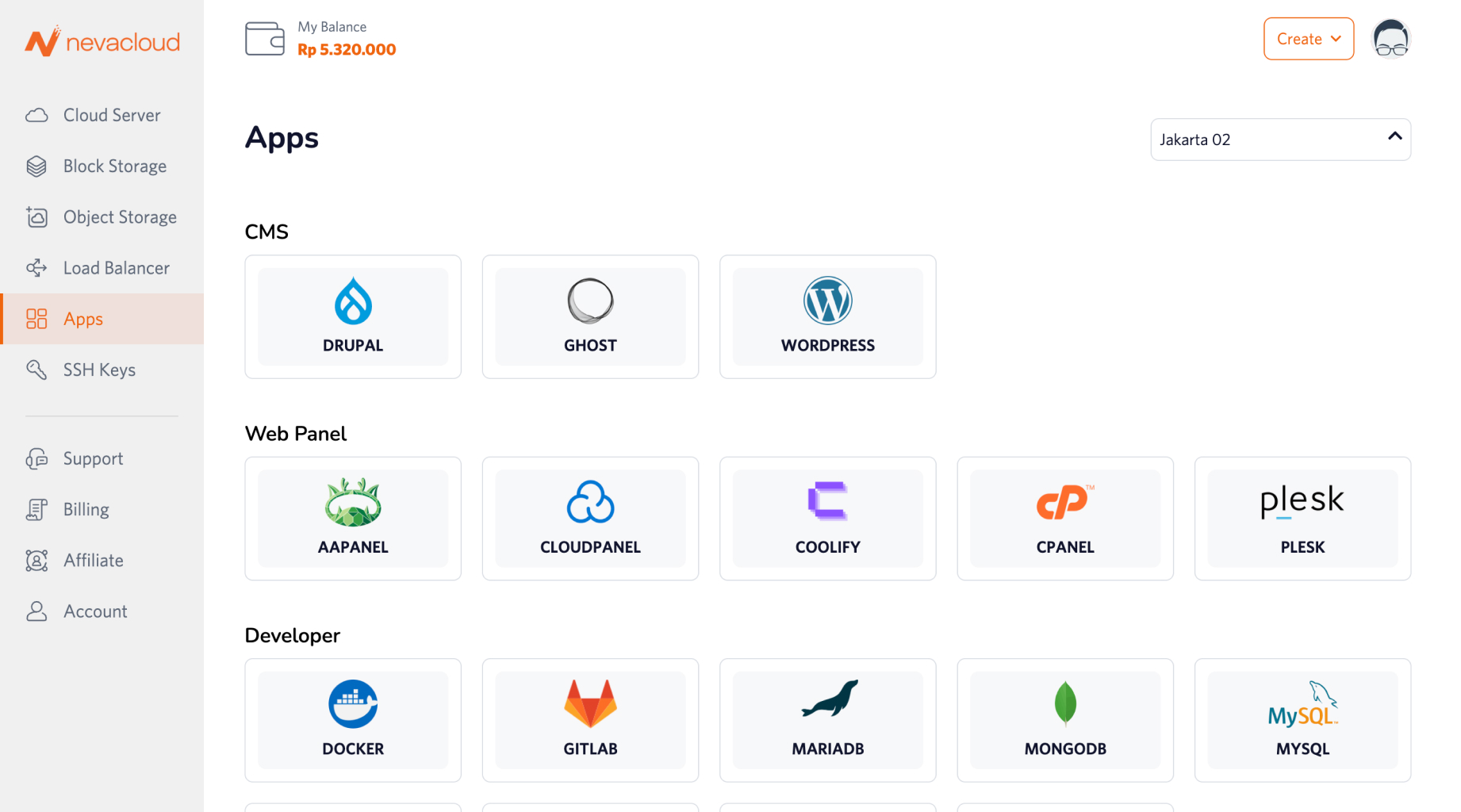
Installing WordPress on Nevacloud is easy with One-Click Deployment from the Apps dashboard:
Steps:
Log in to your Nevacloud dashboard
Choose WordPress in the apps menu
Pick the plan you want to use
Choose an authentication method (SSH key or password)
Set the hostname and a custom domain (if you already have one)
Click Order Now and the installation starts automatically
Open your WordPress admin dashboard in a browser
WordPress is live once the installation finishes.
WordPress Use Cases on a Cloud VPS
Website type | Benefit of WordPress on a Nevacloud VPS |
|---|---|
Professional blog | Fast, SEO-friendly and flexible for managing content. |
Online store | Run WooCommerce for real-time transactions. |
Portfolio site | An attractive, fast design to showcase your work or services. |
News/magazine site | Handles thousands of articles and visitors with room to scale. |
Product landing page | No plugin or builder limits, everything is under your control. |
Comparison: VPS vs Shared Hosting
Feature | VPS on Nevacloud | Shared Hosting |
|---|---|---|
Server control | ✅ Full | ❌ Limited |
Performance | ✅ VPS resources match the plan you choose | ❌ Shared with other users |
Scalability | ✅ Easy to upgrade | ❌ Hard or not available |
Security | ✅ Isolated | ❌ Shared environment |
Server customization | ✅ Configure and install anything | ❌ Limited by the provider |
Upfront cost | ⚠️ Slightly higher | ✅ Cheaper for beginners |
Best for | Business sites, e-commerce, mid-size and larger projects | Small websites or beginners |
Conclusion: If you want solid performance, full control and the ability to grow with your business, a VPS is the best choice for WordPress.
WordPress Snapshots on Nevacloud
Nevacloud offers Snapshots (a paid feature) from the dashboard for your WordPress site.