Pterodactyl on Nevacloud: A Modern Self-Hosted Platform for Deploying Games & Apps
Pterodactyl is an open-source, web-based server management panel that makes it easier to deploy, monitor and manage many kinds of applications, from game servers (Minecraft, CS:GO, etc.) and Discord bots to container-based or bare-metal web apps. With a clean interface, easy setup and solid multi-user features, Pterodactyl on Nevacloud is a modern option for gamers, developers and game hosting providers in Indonesia.
Unlike commercial hosting platforms, Pterodactyl puts full control in the user's hands: you manage the setup, server pricing stays transparent, and you can scale freely with no vendor lock-in. Features such as 1-click install, Role & User Management, SFTP, automatic backups and a REST API are ready to support your workflow.
Why Pterodactyl on Nevacloud
Hourly billing
From IDR 402/hour, pay for what you use.
Start small, upgrade anytime
Start with Nevalite 4GB and resize to a larger plan as your needs grow.
One-click template
The Pterodactyl template deploys straight from the dashboard.
Jakarta data center
Your app data stays on your own server in Indonesia.
Human support
Help from a real human support team, not a chatbot.
Pay in Rupiah
QRIS, GoPay, bank transfer or credit card; tax invoices on request.
You also get unlimited bandwidth, SSD NVMe storage with RAID10 protection, plus Snapshot, VNC Console, Recovery Mode and Reinstall in the dashboard, so you can roll back before changing your panel configuration.
Suitable for:
Gamers who want to host Minecraft, CS:GO, FiveM, Rust servers and more.
Developers who need a platform for testing apps, bots or Docker-based playground applications.
Startups & game studios that need full control, without the limits of a SaaS platform.
Communities that want to share or rent out game servers to other members.
Key Pterodactyl Features
Deploy & Manage Game Servers in One Click
Pterodactyl supports many kinds of applications:
Game servers: Minecraft, CS:GO, Team Fortress, FiveM, etc.
Bots & applications: Node.js, Python, Discord bots, etc.
Docker & custom images: Deploy other apps/containers freely from templates or custom images.
Connect one or more nodes (VPS/servers), manage hundreds of servers from a single panel, create your own deployment preset templates, and run automatic backups on a schedule.
Multi-User, Multi-Role Management
The Pterodactyl panel has a granular user permission system:
Set up Admins, Sub-Users (limited access) and Owners
Share server management with friends or a team without exposing credentials
History, logs and an audit trail of user activity
SFTP, Backup and Monitoring Integrations
Access server files via SFTP (WinSCP/FileZilla)
Resource monitoring: CPU, RAM, Bandwidth per server
Automatic/manual backup and restore with custom retention
Security & API
Application isolation between users (no accidental overwrite)
Automatic SSL certificates (Let's Encrypt)
Public REST API for automation (developers & resellers)
Pterodactyl vs Other Game Server Panels
Feature | Pterodactyl (Self-Hosted) | Commercial panel (e.g. Multicraft) | Pterodactyl OSS |
|---|---|---|---|
Hosting control | ✅ Full | ❌ Limited | ✅ Full |
Monthly cost | ✅ Low (pay for the server only) | ❌ Expensive (per slot/server) | ✅ Free (pay for the server only) |
Server limit | ✅ Unlimited | ❌ Often limited by license | ✅ Unlimited |
Game & bot templates | ✅ Comprehensive & custom | ❌ Limited | ✅ Comprehensive |
Multi-user & roles | ✅ Yes (Admin, Subuser) | ✅/❌ | ✅ Yes |
Automatic backup | ✅ Yes | ✅/❌ | ✅ Yes |
API & automation | ✅ Yes | ❌/Paid | ✅ Yes |
File manager/SFTP | ✅ Yes | ✅/❌ | ✅ Yes |
How to Install Pterodactyl on a Nevacloud VPS
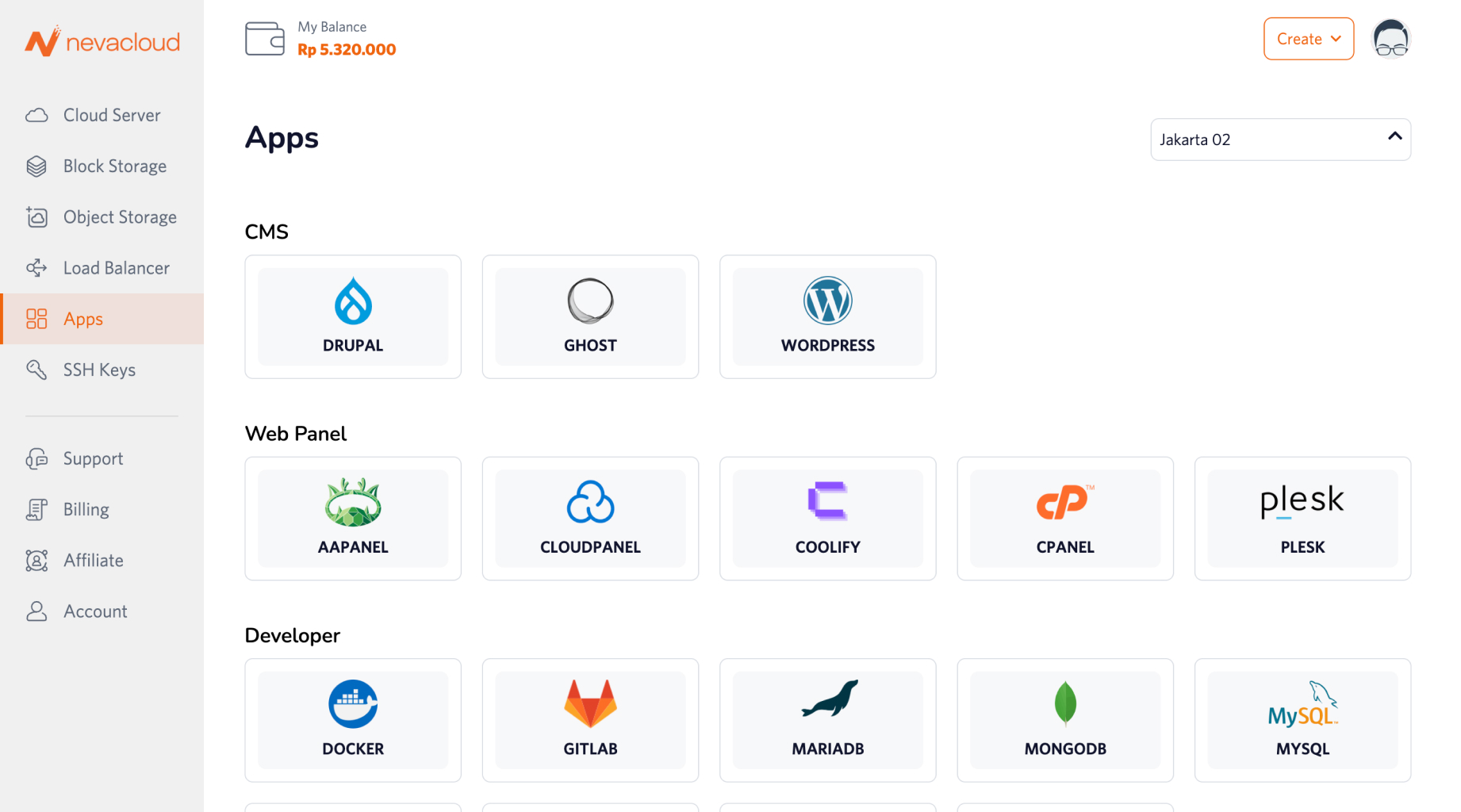
Pterodactyl is easy to deploy thanks to One-Click Deployment Apps in the Nevacloud dashboard:
Steps:
Log in to the Nevacloud dashboard.
Choose the Pterodactyl app in the Apps menu.
Pick a server plan that fits the capacity you need.
Choose an authentication method (SSH key or password).
Set the hostname and, if you like, a custom domain/server name.
Click Order Now - the installation is automatic and ready to use.
Open the Pterodactyl admin panel directly in your browser.
Pterodactyl on Nevacloud Cloud VPS
Cloud VPS Indonesia as the server for your Pterodactyl panel.