Plesk on Nevacloud: A Modern Hosting Panel for Web Professionals & Developers
Plesk is a server and web hosting management platform built for IT professionals, web developers and digital agencies. With a unified dashboard and a full feature set, Plesk makes it easier to manage servers, domains, applications, email and security, all from one modern visual panel.
By running Plesk on a Nevacloud cloud VPS, you get not only high performance but also full control over your hosting environment, whether for clients, internal applications or development projects.
Why Plesk on Nevacloud
Hourly billing
From IDR 149/hour, pay for what you use.
Start small, upgrade anytime
Start with Nevalite 2GB and resize to a larger plan as your needs grow.
One-click template
The Plesk template deploys straight from the dashboard.
Jakarta data center
Your app data stays on your own server in Indonesia.
Human support
Help from a real human support team, not a chatbot.
Pay in Rupiah
QRIS, GoPay, bank transfer or credit card; tax invoices on request.
You also get unlimited bandwidth, SSD NVMe storage with RAID10 protection, plus Snapshot, VNC Console, Recovery Mode and Reinstall in the dashboard, so you can roll back before changing your panel configuration.
Key Plesk Features
🖥️ Intuitive visual interface: A clean, well-organized dashboard that makes it easier to manage websites, email, domains and servers, for beginners and experts alike.
🔐 Layered security: Automatic SSL certificates, firewall, fail2ban, anti-spam and ImunifyAV integration for complete protection of your sites.
📧 Professional email management: Create email accounts on your domain, set quotas, filter spam, use autoresponders and integrate with webmail.
⚙️ One-Click Installer: Install popular CMSs such as WordPress, Joomla, Drupal and PrestaShop with a single click through the Plesk App Installer.
🧩 Docker & Git support: Plesk makes it easier to deploy modern container-based applications and integrate directly with Git repositories.
🔄 Automation & extensions: Add functionality to Plesk with hundreds of extensions: SEO Toolkit, Backup Manager, WordPress Toolkit, Node.js and more.
🗂️ Domain & subdomain management: Add domains, manage DNS, and create subdomains and their mappings in just a few clicks.
🗄️ Unified database management: Create and manage MySQL, PostgreSQL or MariaDB databases right from the GUI, including phpMyAdmin and remote DB access.
Comparison: Plesk on a VPS vs Shared Hosting
Feature | Plesk on a Nevacloud VPS | Shared Hosting with Plesk |
|---|---|---|
Server control | ✅ Full | ❌ Limited |
Performance | ✅ VPS resources match the plan you choose | ❌ Shared with other users |
Scalability | ✅ Upgrade any time | ❌ Limited to the hosting plan |
Security | ✅ Isolation and server-level firewall | ❌ Shared environment |
Server customization | ✅ Install and configure freely | ❌ Depends on the provider |
Root access | ✅ Yes | ❌ None |
Best for | Developers, agencies, multi-website setups | Personal blogs, small websites |
Plesk Use Cases
👨💻 Web Agencies & Freelance Developers: Manage dozens of client websites with centralized domains, SSL, email and backups through a single Plesk panel.
🏢 Hosting Companies or Resellers: Use Plesk Reseller features to create hosting packages with your own limits and manage customer accounts.
🛒 E-Commerce Sites: Plesk makes it easier to manage online store resources with SSL security, performance monitoring and auto-backup.
🧑🎓 Campuses & Educational Institutions: Email management, student subdomains and LMS applications such as Moodle can be installed quickly via Plesk.
How to Install Plesk on a Nevacloud VPS
Log in to the Nevacloud dashboard
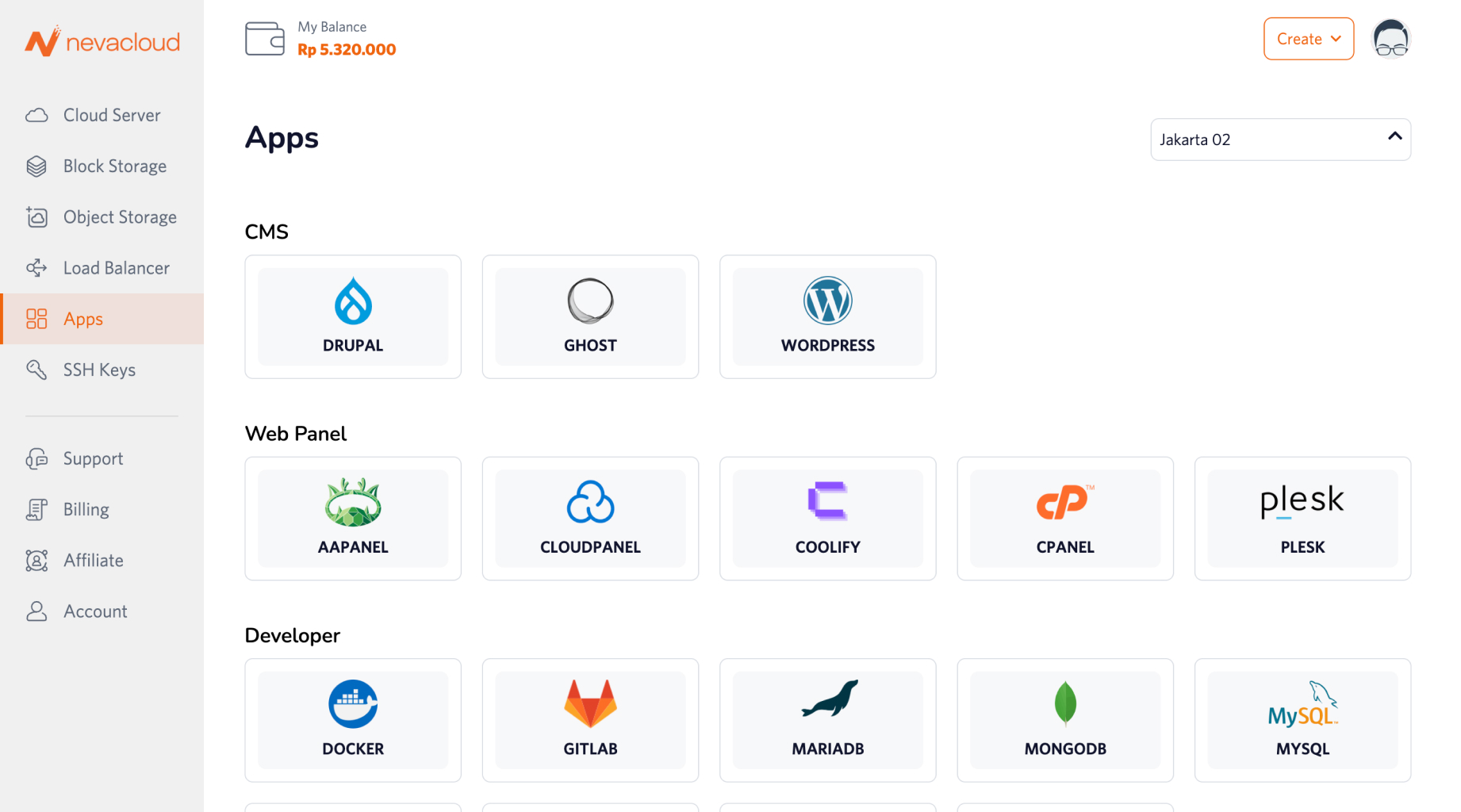
Open the Apps tab and choose Plesk
Click Deploy, then set the VPS specification that fits your needs
Plesk installs automatically and is ready to use
Log in to Plesk Panel and start setting up domains, email, applications or security