OpenCode VPS: An AI Coding Agent That Keeps Running in the Cloud
A coding agent running on your laptop stops when the laptop shuts down or goes to sleep. When you install OpenCode on a VPS, agent sessions keep running even while your laptop is offline, in a Linux environment closer to your production servers. You can reach it from a laptop or phone over SSH or the web UI. On Nevacloud, an OpenCode VPS in Indonesia can start from the Nevalite 1GB plan with one-click deploy and hourly billing.
What Is OpenCode?
OpenCode is an open-source AI coding agent from Anomaly, released under the MIT license. You can use it as a terminal interface (TUI), a desktop app or a web app. OpenCode does not lock you into one model: you bring your own AI provider and model.
Key OpenCode Features
Choose Any Model - The provider and model catalog from models.dev is available through /connect. Local models work through Ollama, and a ChatGPT Plus/Pro login can be used instead of an OpenAI API key.
Agents and Subagents - Create your own agents as Markdown files, each with its own prompt, model and permissions.
Permissions - Set actions such as shell commands to allow, ask or deny in opencode.jsonc.
MCP Servers, Plugins and Custom Commands - Extend the agent through configuration.
Web UI with Password - The web UI is served by the same server as the TUI. Run opencode pair to get a one-time login link.
Server Mode - Run opencode serve on the VPS, then connect from another client with opencode --server.
Why OpenCode on Nevacloud
Hourly billing
From IDR 72/hour, pay for what you use.
Start small, upgrade anytime
Start at 1 GB for cloud models, resize to 2 GB+ for large repos.
One-click template
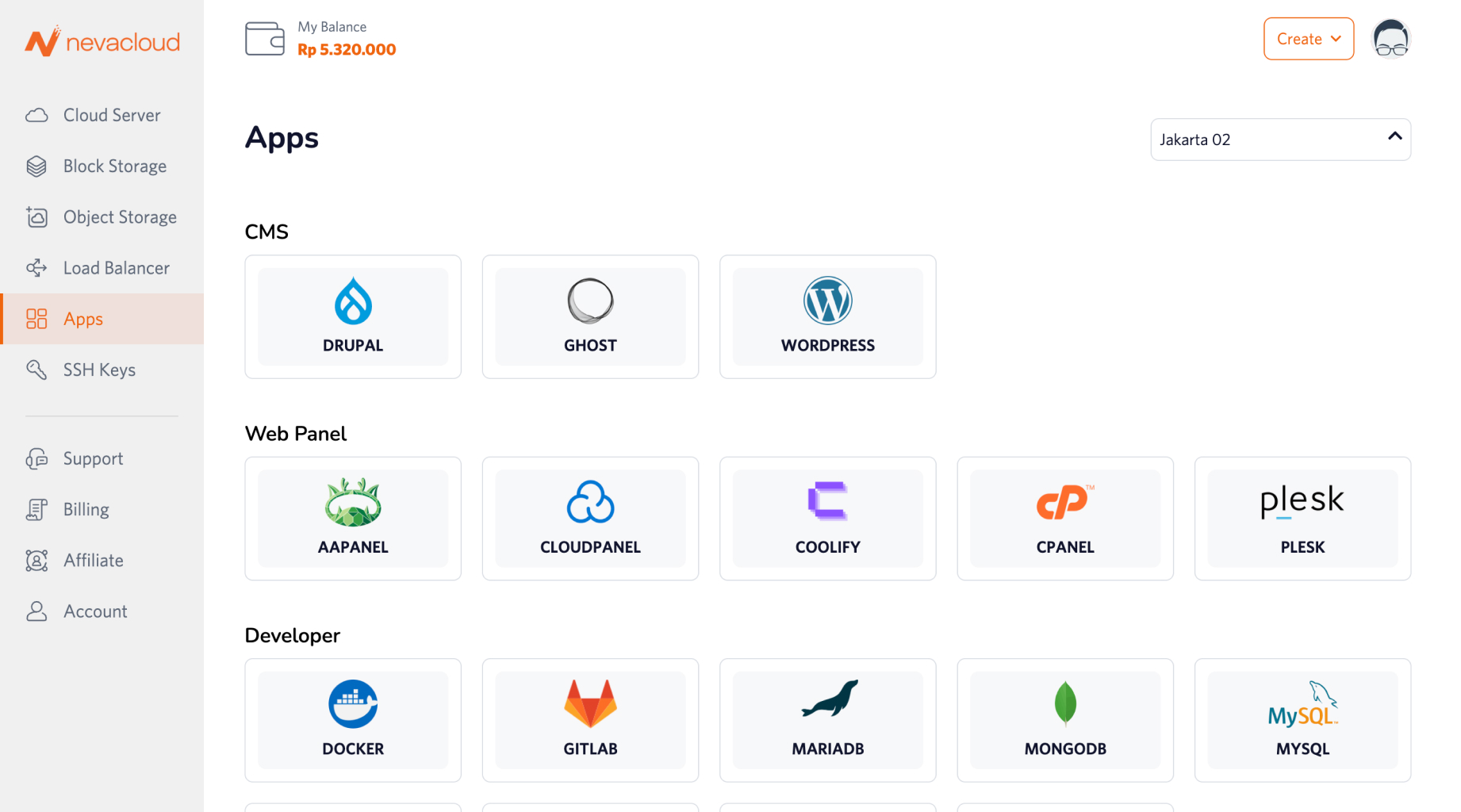
OpenCode (V2) template on Ubuntu 26.04, ready to use.
Jakarta data center
Your code and configuration are stored on your VPS in Jakarta.
Human support
Help from a real human support team, not a chatbot.
Pay in Rupiah
QRIS, GoPay, bank transfer or credit card; tax invoices on request.
You also get unlimited bandwidth, SSD NVMe storage with RAID10 protection, plus Snapshot, VNC Console, Recovery Mode and Reinstall in the dashboard, so you can roll back before changing your agent configuration.
OpenCode Use Cases on a VPS
Use Case | Example |
|---|---|
Remote coding over SSH | Run |
Web UI access from a laptop or phone | Open an SSH tunnel to port 49374 and run |
An always-on OpenCode server | Run |
Project-specific agents | Create a read-only reviewer subagent in |
OpenCode on a VPS vs on a Laptop
Topic | OpenCode on a VPS | OpenCode on a laptop |
|---|---|---|
Availability | Sessions keep running when your laptop is off | Stops when the laptop shuts down or sleeps |
Environment | Linux with root access, separate from your work laptop | Follows the OS and tools on your laptop |
Access | Over SSH or the web UI from any device | Directly on the same laptop |
Cost | VPS cost (from IDR 72/hour), plus AI model fees from the provider | No server cost, but AI model fees from the provider still apply |
How to Install OpenCode on a Nevacloud VPS
- Click Deploy and choose a plan (Nevalite 1GB is recommended).
- Log in over SSH with
ssh root@IP-VPS. For daily use, it is best to create a non-root user. - Go to your project folder, run
opencode, then type/connectto choose a provider and/modelsto choose a model. - (Optional) Web UI: from your laptop run
ssh -L 49374:127.0.0.1:49374 root@IP-VPS, then on the VPS runopencode pairand open the link that appears. The link works only once and expires after 5 minutes. - Security: keep the server on localhost and do not open ports without a password. Set shell permissions to
askinopencode.jsonc. Theopencode pair --remotecommand opens access from the internet, so use it only if you understand the risks.
If you install manually on another Ubuntu VPS, run curl -fsSL https://opencode.ai/v2/install | bash.
Conclusion
An OpenCode VPS on Nevacloud fits if you want a coding agent whose sessions keep running, that you can reach from a laptop or phone, with your data in Jakarta. Start with Nevalite 1GB at IDR 42,240/month (billed annually) or IDR 72/hour, then resize as your needs grow. If you are looking for an AI agent for chat and automation, see Hermes Agent or OpenClaw; OpenCode is focused on coding. OpenCode is an open-source project from Anomaly. Nevacloud is not affiliated with Anomaly.