MongoDB on Nevacloud: A Flexible-Schema NoSQL Database for Modern Applications
MongoDB is a NoSQL database system that stores data in the BSON (Binary JSON) document format. Designed for modern applications that need flexibility, speed and scalability, MongoDB is a favorite among backend developers, system architects and tech startups.
By running MongoDB on a Nevacloud cloud VPS, you can manage your database yourself with full control, high performance and easy scaling.
Why MongoDB on Nevacloud
Hourly billing
From IDR 149/hour, pay for what you use.
Start small, upgrade anytime
Start with Nevalite 2GB and resize to a larger plan as your needs grow.
One-click template
The MongoDB template deploys straight from the dashboard.
Jakarta data center
Your app data stays on your own server in Indonesia.
Human support
Help from a real human support team, not a chatbot.
Pay in Rupiah
QRIS, GoPay, bank transfer or credit card; tax invoices on request.
You also get unlimited bandwidth, SSD NVMe storage with RAID10 protection, plus Snapshot, VNC Console, Recovery Mode and Reinstall in the dashboard, so you can roll back before changing your database configuration.
Key MongoDB Features
MongoDB offers a number of powerful key features, one of which is flexible documents in the BSON format, so you can store data in a JSON-like form that supports nested structures and dynamic schemas. It also supports dynamic (schema-less) schemas, letting you store documents with different structures in one collection, unlike an RDBMS, which requires a fixed schema.
For performance, MongoDB lets you index one or more fields to speed up data lookups. Automatic replication and failover through replica sets also provide high availability: if one node goes down, another takes over automatically so the service keeps running smoothly.
With the Aggregation Framework, you can run complex queries and data transformations easily through the aggregation pipeline. If your data load grows, you can use sharding (horizontal scaling) to split data across several servers, keeping performance steady even as data grows.
Finally, security gets close attention with role-based access control (RBAC), TLS/SSL encryption and an authentication system you can configure yourself for maximum data protection.
With this range of features and flexibility, MongoDB on a Nevacloud VPS is an ideal choice for modern applications that need speed and scalability.
Comparison: MongoDB vs Traditional RDBMS
Feature | MongoDB | RDBMS (MySQL/PostgreSQL) |
|---|---|---|
Data Structure | Documents (JSON-like, flexible) | Tables and rows (fixed schema) |
Schema | ✅ Dynamic | ❌ Must be defined upfront |
Scalability | ✅ Horizontal via sharding | ⚠️ Usually vertical |
Big Data Performance | ✅ High | ⚠️ Depends on index optimization |
NoSQL Stack Integration | ✅ Easy (MERN, MEAN) | ❌ Needs an extra adapter/ORM |
Queries and Aggregation | ✅ Aggregation pipeline | ✅ SQL + join |
Real-time Support | ✅ Well suited to real-time | ⚠️ Needs tuning |
MongoDB Examples
📱 Mobile Apps & Backend APIs (MERN/MEAN Stack)
MongoDB is a good fit for modern stacks with Node.js and Express to store user data, content and transactions.🛒 E-Commerce & Product Catalogs
With a flexible schema, you can store products with different attributes without redesigning the database each time you add a feature.🧠 IoT & Data Streaming
Store large volumes of sensor and IoT device data with varying structures and high performance.👥 Social Media & Communities
Efficiently store dynamic data such as posts, comments, notifications, user preferences and file metadata.📊 Real-Time Analytics
Use the aggregation pipeline to run fast analysis on log data, events and user interactions across the platform.
How to Install MongoDB on a Nevacloud Cloud VPS
Log in to the Nevacloud Dashboard
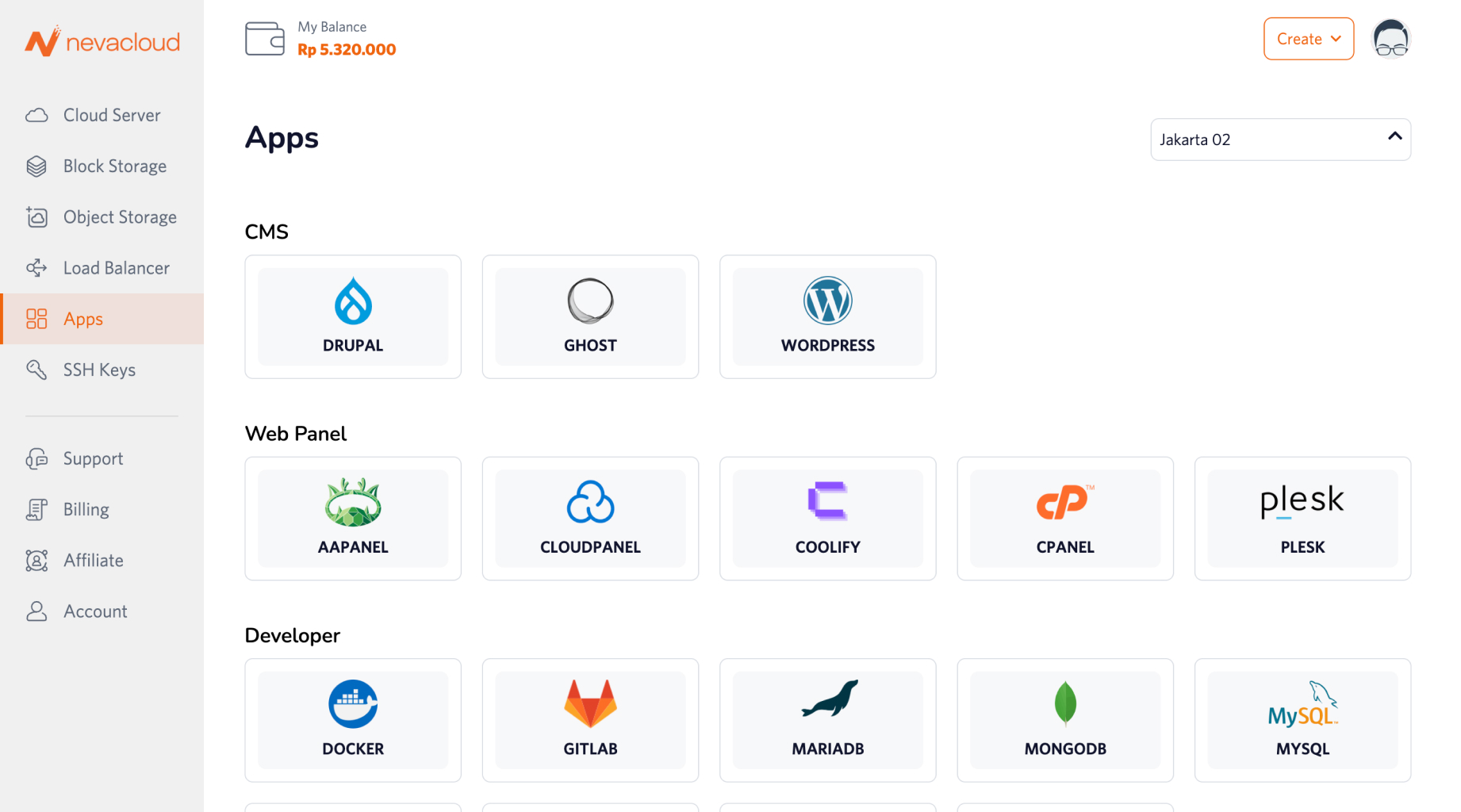
Open the Apps menu and find MongoDB
Click Deploy and choose the VPS specs that fit your project
MongoDB is installed automatically and ready to use
Connect MongoDB to your application via a connection URI or the shell