Drupal on Nevacloud: Install Drupal on a Cloud VPS with Full Control
Drupal is open-source content management software used to build many websites and web applications. Besides standard features such as easy content authoring, Drupal is known for its flexibility: modularity is one of its core principles, so functionality can be extended with modules, appearance is controlled with themes, and distributions can be used as starter kits.
With a Nevacloud Cloud VPS, you can install Drupal from a one-click template in the dashboard and manage the server with full root access. It is a good fit if you are looking for a Drupal VPS or Drupal hosting that can be tailored to your project, from news portals and organization sites to content-based applications.
Why Drupal on Nevacloud
Hourly billing
From IDR 149/hour, pay for what you use.
Start small, upgrade anytime
Start with Nevalite 2GB and resize to a larger plan as your needs grow.
One-click template
The Drupal template deploys straight from the dashboard.
Jakarta data center
Your app data stays on your own server in Indonesia.
Human support
Help from a real human support team, not a chatbot.
Pay in Rupiah
QRIS, GoPay, bank transfer or credit card; tax invoices on request.
You also get unlimited bandwidth, SSD NVMe storage with RAID10 protection, plus Snapshot, VNC Console, Recovery Mode and Reinstall in the dashboard, so you can roll back before changing your app configuration.
Key Features of Drupal
Structured content: Drupal provides tools to build content structures and create custom data views, with a content authoring interface that is easy for editors to use.
Modular and extensible: Add functionality with modules, control appearance with themes, or start from a distribution as the foundation of your project.
API and headless: The JSON:API module included in core exposes Drupal content through a RESTful API, so Drupal can be the backend for a separate (headless) frontend.
Multilingual support: Drupal has built-in modules to translate content, the site interface and configuration, suited to sites with many languages.
Open source with no license fees: Drupal is released under the GNU General Public License (GPL) with no license fees, and the Drupal Security Team publishes security advisories for Drupal and its modules.
Comparison: Drupal vs Other CMSs
Aspect | Drupal | WordPress | Joomla |
|---|---|---|---|
License | Open source (GPL), no license fees | Open source (GPLv2 or later) | Free and open source |
Extension terminology | Modules, themes and distributions | Plugins and themes | Extensions |
Typical use | Structured content and sites that need high flexibility | Blogs, business sites and online stores | Portals, intranets, organization sites and e-commerce |
Learning curve (general) | Generally higher, suited to technical teams | Generally gentler for beginners | Designed to be easy to install and learn, according to Joomla.org |
Best for | Sites with complex content structures and custom needs | Sites that need a simple setup that is quick to grasp | Sites that need a CMS with many ready-to-use extensions |
The table above is only a general overview based on each project's official description, not the result of testing. The best CMS choice depends on your project needs and your team's expertise.
Drupal Use Cases on a Cloud VPS
News and media portals: Manage many articles with a content structure, categories and an editorial workflow that can be customized.
Government and institution sites: Drupal is used by various government agencies, organizations and universities to communicate with the public.
Multilingual sites: Serve content in several languages with Drupal's built-in translation features.
Online stores with Drupal Commerce: Build an online store with Drupal Commerce, including product types, promotions and payment gateway integration.
Headless backend: Use Drupal as the content source for web or mobile applications through JSON:API.
How to Install Drupal on Nevacloud
According to the official documentation, Drupal is recommended to run on Linux with a web server such as Apache or Nginx, a MariaDB, MySQL, PostgreSQL or SQLite database, and at least 1 GB of RAM. With the Nevacloud one-click template, installing Drupal takes just the dashboard:
Log in to the Nevacloud Dashboard
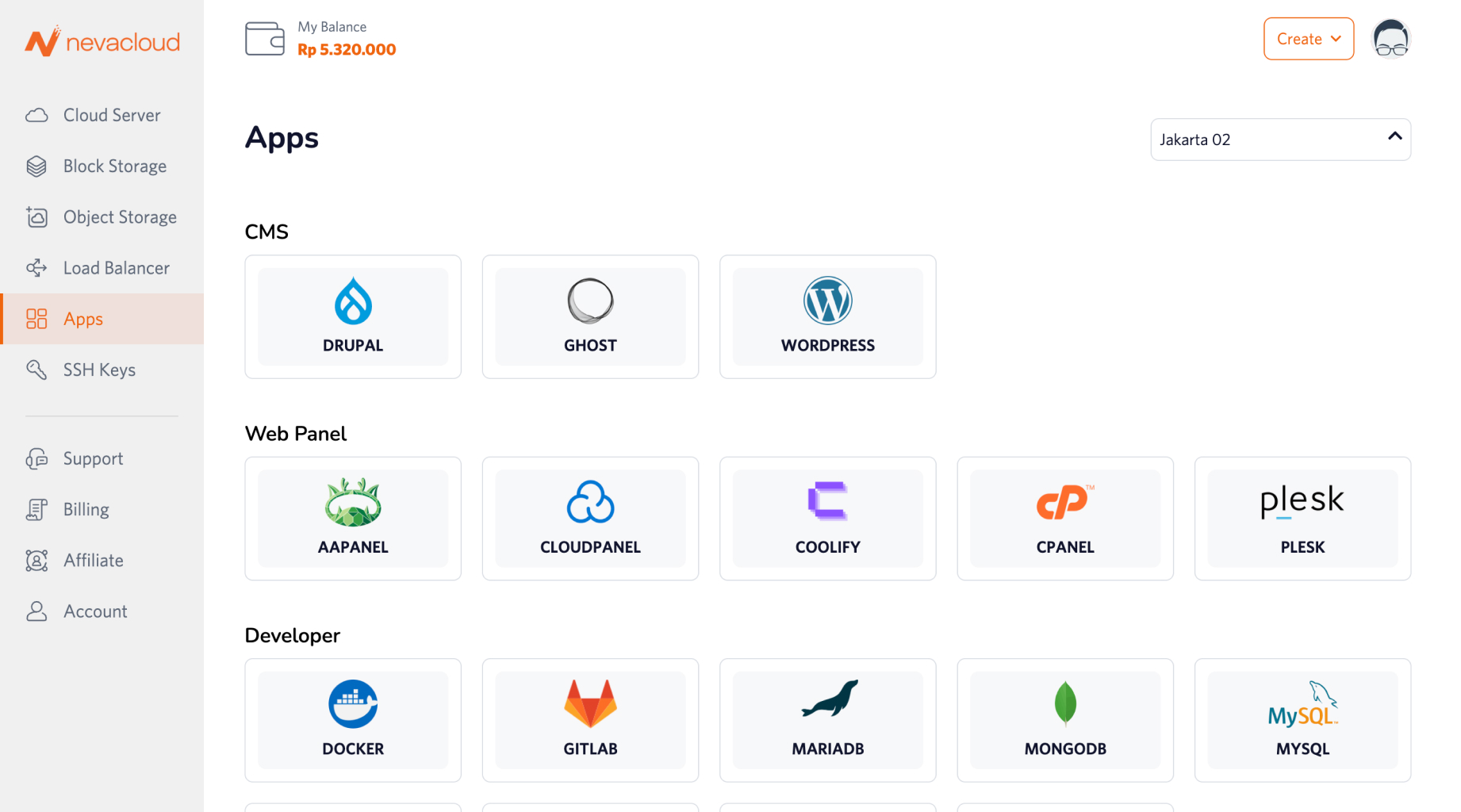
Open the Apps menu and choose Drupal
Click Deploy, then choose the VPS specifications you need
Once the VPS is active, open your server in a browser and continue the Drupal configuration