cPanel on Nevacloud: A Powerful, Easy-to-Use Web Hosting Management Solution
cPanel is the most widely used hosting control panel in the global web hosting industry. With an intuitive graphical interface and a full feature set, cPanel makes it easy to manage websites, domains, email, databases and server security, all in one dashboard.
You can now run cPanel directly on a Nevacloud cloud VPS, giving you full control, high performance and flexibility that shared hosting does not offer.
Why cPanel on Nevacloud
Hourly billing
From IDR 149/hour, pay for what you use.
Start small, upgrade anytime
Start with Nevalite 2GB and resize to a larger plan as your needs grow.
One-click template
The cPanel template deploys straight from the dashboard.
Jakarta data center
Your app data stays on your own server in Indonesia.
Human support
Help from a real human support team, not a chatbot.
Pay in Rupiah
QRIS, GoPay, bank transfer or credit card; tax invoices on request.
You also get unlimited bandwidth, SSD NVMe storage with RAID10 protection, plus Snapshot, VNC Console, Recovery Mode and Reinstall in the dashboard, so you can roll back before changing your panel configuration.
Key cPanel Features
File & directory management: Upload, edit and organize website files from a visual file manager, with no FTP access needed.
Domain & subdomain management: Add new domains, set up redirects, manage subdomains and configure DNS with ease.
Professional email management: Create email accounts on your own domain, enable spam filters and read email through webmail.
Integrated security features: Install SSL, password-protect directories, block suspicious IPs and enable ModSecurity.
MySQL & PostgreSQL databases: Create, manage and access databases with phpMyAdmin, no manual coding needed.
Automatic backup & restore: Create daily, weekly or on-demand backups to keep your website data safe at all times.
Server monitoring & statistics: Track CPU, RAM, storage and bandwidth usage, and view website visitor statistics.
Softaculous auto installer: Instantly install more than 400 popular web applications such as WordPress, Joomla, Drupal and Magento.
Comparison: cPanel on a VPS vs Shared Hosting
Feature | cPanel on a Nevacloud VPS | cPanel on Shared Hosting |
|---|---|---|
Server control | ✅ Full | ❌ Limited |
Performance | ✅ VPS resources match the plan you choose | ❌ Depends on other users' load |
Scalability | ✅ Easy to upgrade | ❌ Limited or not available |
Security | ✅ Isolated VPS | ❌ Vulnerable shared environment |
Server customization | ✅ Freely configurable | ❌ Restricted by the provider |
Root access | ✅ Yes | ❌ None |
Best for | Business websites, multi-client hosting | Personal blogs, simple portfolios |
cPanel Use Cases
Freelance developers: Manage many client sites from one dashboard, complete with FTP, SSL and email.
Reseller hosting companies: Use WHM + cPanel to split server resources into hosting packages to resell.
Online stores & e-commerce: Get full control over site performance and business email.
Educational institutions: Manage many subdomains and email accounts for students, staff and online learning systems.
How to Install cPanel on a Nevacloud VPS
Log in to the Nevacloud dashboard
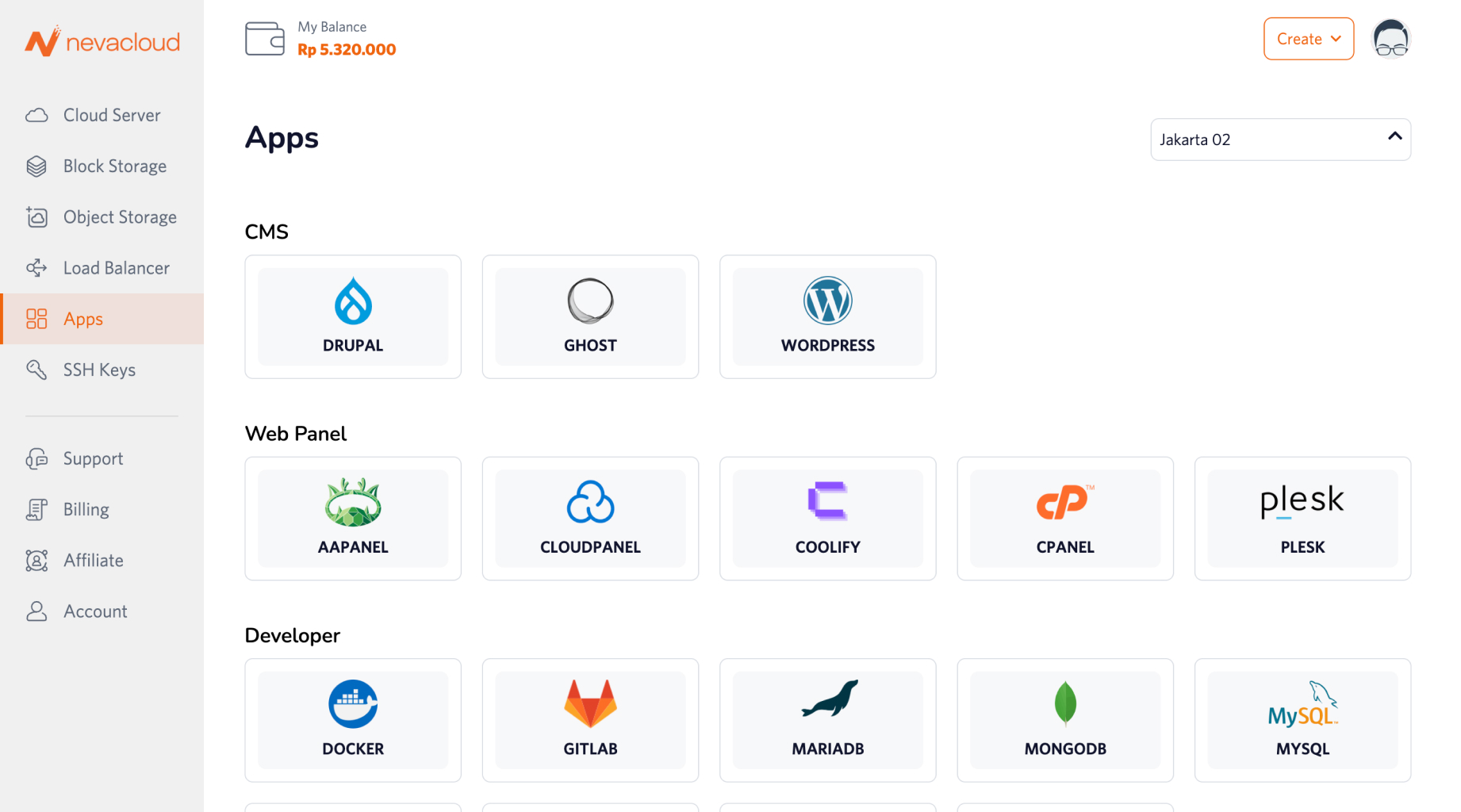
Open the Apps menu and find cPanel
Click Deploy, then choose a VPS specification that fits your needs
Wait for the automatic installation to finish
Log in to cPanel and start managing your websites
The cPanel you run on Nevacloud is already configured for optimal use and ready for production.