aaPanel on Nevacloud: A Lightweight, Efficient Server Panel for Modern Hosting Management
aaPanel is a lightweight but powerful web-based server management platform, designed to simplify managing Linux-based hosting servers (and Windows too). With an intuitive interface and a full feature set, aaPanel is ideal for developers, online business owners and hosting providers who want efficiency without complexity.
With a Nevacloud cloud VPS you can run aaPanel with high performance, full control and scalability to match your needs, all from one simple visual panel.
Why aaPanel on Nevacloud
Hourly billing
From IDR 402/hour, pay for what you use.
Start small, upgrade anytime
Start with Nevalite 4GB and resize to a larger plan as your needs grow.
One-click template
The aaPanel template deploys straight from the dashboard.
Jakarta data center
Your app data stays on your own server in Indonesia.
Human support
Help from a real human support team, not a chatbot.
Pay in Rupiah
QRIS, GoPay, bank transfer or credit card; tax invoices on request.
You also get unlimited bandwidth, SSD NVMe storage with RAID10 protection, plus Snapshot, VNC Console, Recovery Mode and Reinstall in the dashboard, so you can roll back before changing your panel configuration.
Key aaPanel Features
One-click installation: Deploy a web server stack (LNMP/LAMP), databases, and even WordPress.
Clean, intuitive visual interface: A panel that is easy to use even for beginners, with clear and well-organized navigation.
Integrated security features: Firewall management, malware scanning, free Let’s Encrypt SSL and brute-force login protection.
Flexible web server management: Support for Nginx, Apache and OpenLiteSpeed. Switch and adjust as you need.
Complete database management: Manage MySQL, MariaDB and PostgreSQL, and access them through phpMyAdmin right from the panel.
Email server configuration: Add your own mail server and manage domain email accounts with the built-in management panel.
Automatic backups: Set up routine backups of website files and databases automatically to local or remote storage.
Real-time server monitoring: Track server CPU, RAM, disk and traffic usage right from the dashboard.
Comparison: aaPanel on a VPS vs Shared Hosting
Feature | aaPanel on a Nevacloud VPS | Shared Hosting |
|---|---|---|
Server control | ✅ Full | ❌ Limited |
Performance | ✅ VPS resources match the plan you choose | ❌ Shared with other users |
Scalability | ✅ Flexible, easy to upgrade | ❌ Limited by the hosting plan |
Security | ✅ Isolated VPS and firewall | ❌ Shared environment |
Server customization | ✅ Freely configurable stack | ❌ Cannot choose the software stack |
Root access | ✅ Yes | ❌ Not available |
Best for | Web developers, small businesses, hosting resellers | Personal blogs or beginners |
aaPanel Use Cases
👨💻 Freelance Developers & Startups: Build and manage dev and staging environments without manual SSH. Suited to light to medium-scale deployments.
🏢 Hosting Providers: Use aaPanel to give your users a clean, resource-efficient management panel, ideal for VPS-based shared hosting.
🌐 Website & Online Store Owners: Manage business sites, domain email and SSL certificates without having to learn Linux in depth.
📚 Educational Institutions or Internal Projects: Provide a web server management panel for demo apps, training or internal deployments in local or cloud environments.
How to Install aaPanel on a Nevacloud VPS
Log in to the Nevacloud dashboard
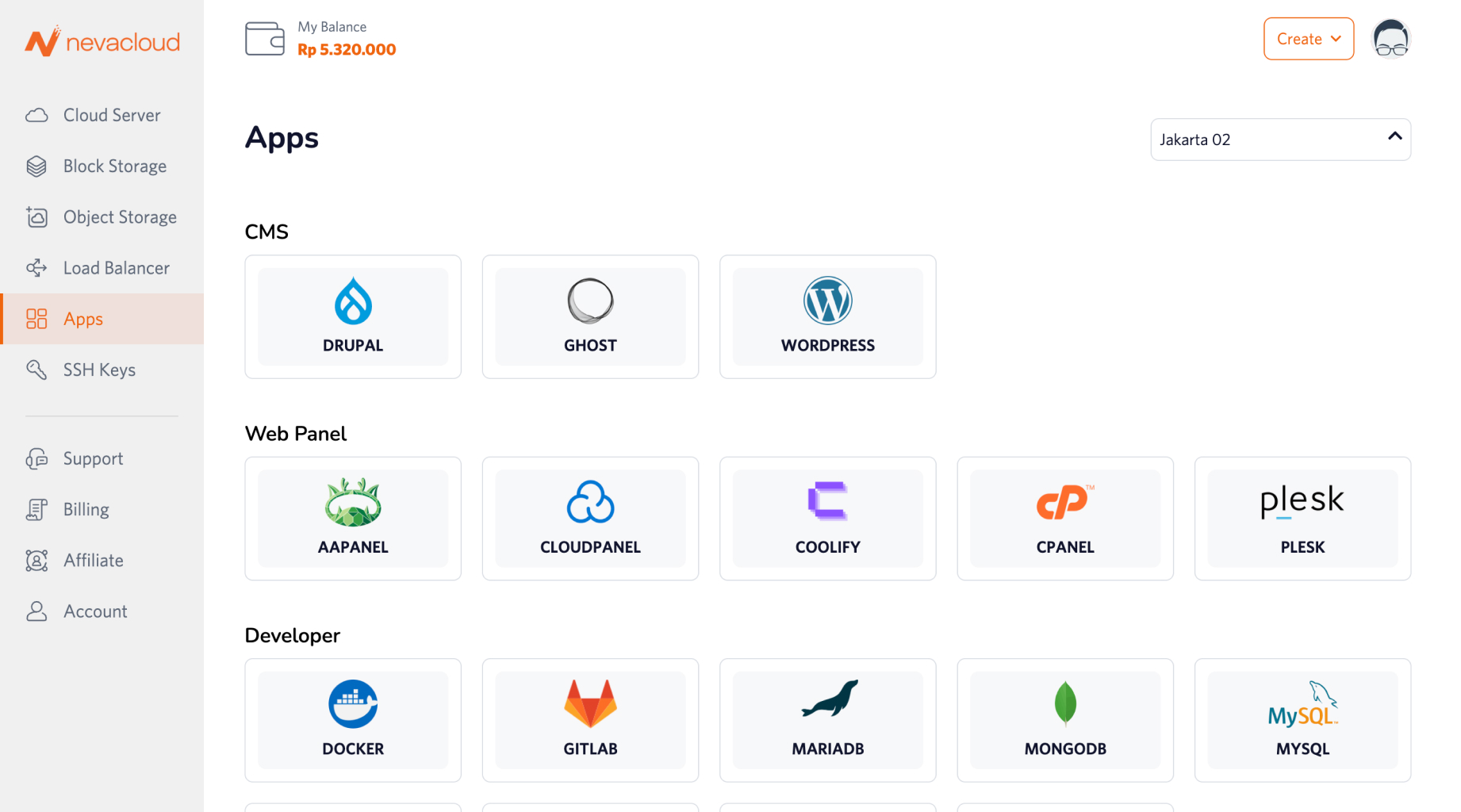
Open the Apps menu and find aaPanel
Click Deploy and choose the VPS configuration that fits your needs
Once the deployment finishes, aaPanel is ready to use
Open aaPanel in a browser and start setting up domains, databases, email and more